
Delta Executor Grow a Garden Script (No Key) 2026
Most Grow a Garden players hit the same wall. You spend hours planting, watering, and harvesting, only to watch other players on the server sitting on massive gardens filled with rare pets, Mythic Eggs, and Candy Blossom crops that seem impossible to obtain. You start wondering if they are playing the same game or if there is something you are missing. The truth is, there is.
The Grow a Garden Script for Delta Executor is what thousands of players are using to automate their entire farming process and progress faster than ever before. From auto-farming crops and spawning rare pets to collecting limited seeds and duplicating items, this script handles everything that normally takes hours of grinding. In this article, we have put together all the latest working scripts, a full feature breakdown, and a simple step by step guide to get you started on Android, iOS, and PC.
What is the Grow a Garden Script for Delta Executor?
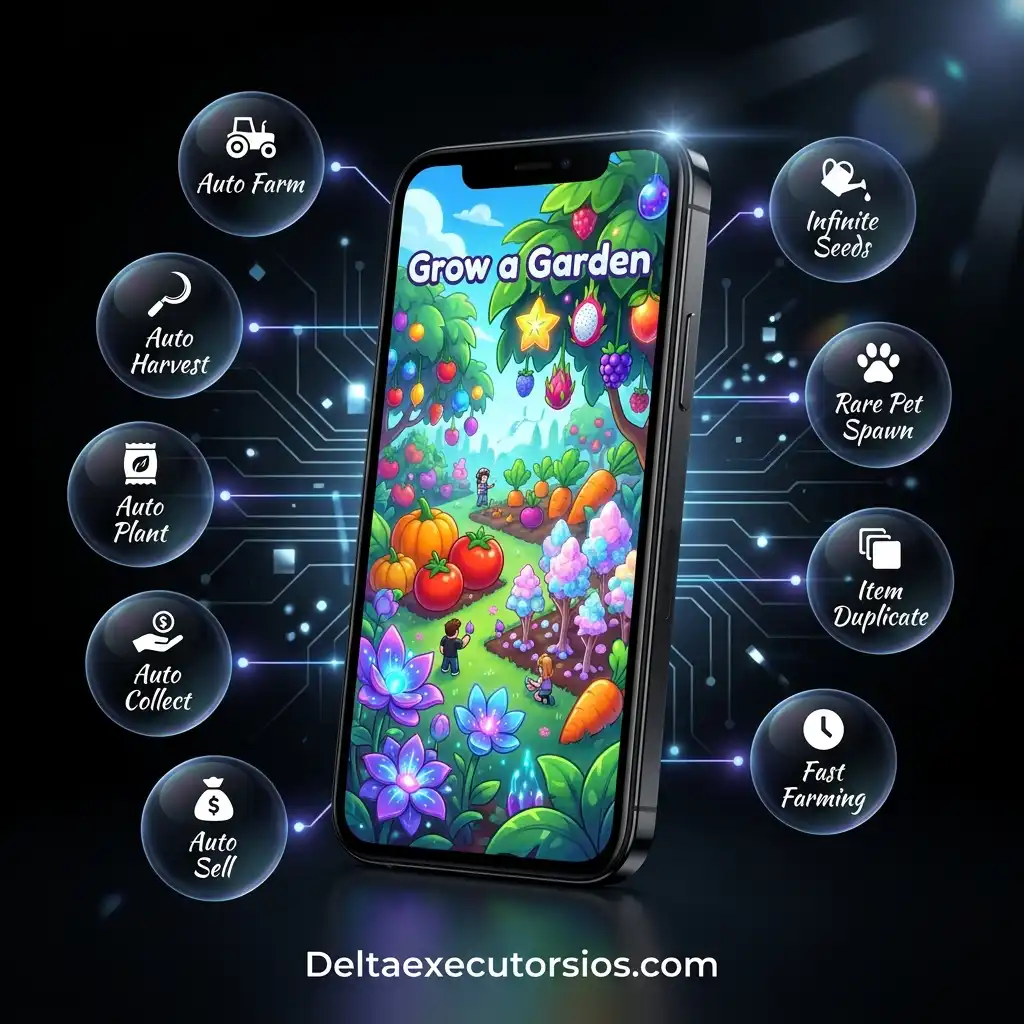
Grow a Garden is one of the most popular farming games on Roblox. The Grow a Garden Script for Delta Executor is a Lua-based script that automates the repetitive tasks for you. Instead of manually planting, watering and harvesting crops every few minutes, the script handles all of it automatically in the background for you. You simply inject it through Delta Executor, and it starts working right away.
With these scripts, you can auto-farm crops, spawn pets, collect rare seeds, duplicate items, auto-water plants, auto-harvest fully grown crops, and earn in-game currency much faster than playing manually. Features like Auto Plant, Auto Harvest, Pet Spawner, and Anti-AFK make the entire farming experience smoother and less time-consuming. The scripts are written in Lua and it is compatible with Delta Executor which is one of the most trusted and widely used executors among Roblox players on Android, iOS, and PC.
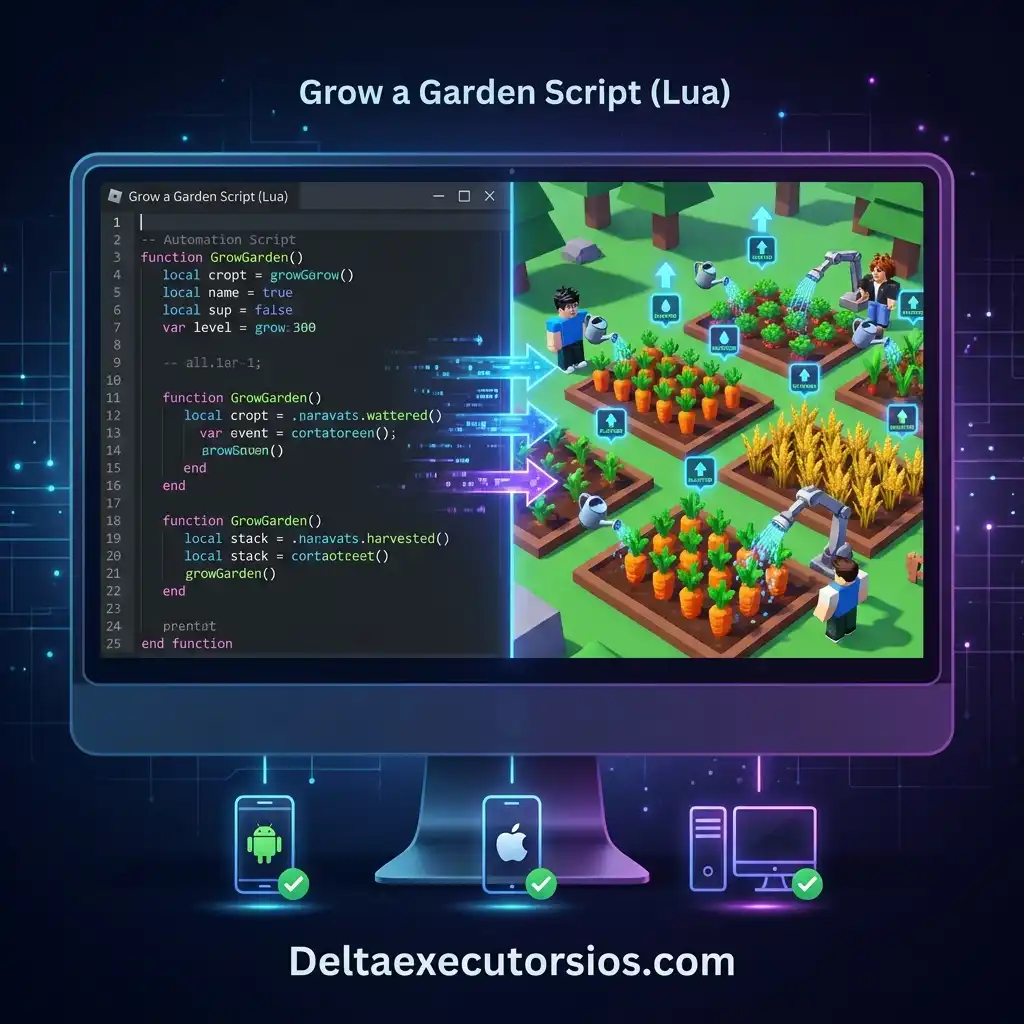
Latest Delta Executor Grow a Garden Scripts
Below is the full list of latest and working scripts, each script is verified and tested. Many of these include features like pet spawners, seed spawners, auto farming, candy blossom farming, and item duplication. All of these scripts are keyless and compatible with Android, iOS, and PC.
Best Grow a Garden Scripts for Delta Executor
AutoHarvest Plus (KEYLESS | Auto Farm, Auto Harvest)
loadstring(game:HttpGet("https://raw.githubusercontent.com/depthso/Grow-a-Garden/refs/heads/main/autofarm.lua"))()Than Hub (KEYLESS | Auto Buy, Auto Sell, Auto Farm Honey)
loadstring(game:HttpGet("https://raw.githubusercontent.com/thantzy/thanhub/refs/heads/main/thanv1"))()Mimi Hub (KEY | Auto Farm, GUI Hub)
loadstring(game:HttpGet("https://raw.githubusercontent.com/Jstarzz/petmover/refs/heads/main/main.lua",true))()JN Hub (KEY | Farming Tools)
loadstring(game:HttpGet("https://pastebin.com/raw/A7us0FyY",true))()FFJ Hub (KEY | Multi Script Hub)
loadstring(game:HttpGet("https://raw.githubusercontent.com/FFJ1/Roblox-Exploits/main/scripts/Loader.lua"))()EF Hub (KEY | Script Hub Loader)
loadstring(game:HttpGet("https://api.exploitingis.fun/loader"))()Strawberry Cat Hub (KEYLESS | Farming Hub)
loadstring(game:HttpGet("https://raw.githubusercontent.com/shinichi-dz/phucshinsayhi/refs/heads/main/GrowAGarden.lua"))()Infinite Watering Sprinkler (KEYLESS | Infinite Watering)
loadstring(game:HttpGet("https://raw.githubusercontent.com/m00ndiety/Grow-a-garden/refs/heads/main/Watering%20Sprinkler.txt"))()HackMan Hub (KEY | Auto Farm Tools)
loadstring(game:HttpGet(("https://raw.githubusercontent.com/ndaju/-h/refs/heads/main/laodemain.txt"),true))()AV Hub (KEYLESS | Auto Farming Tools)
loadstring(game:HttpGet("https://get-avth-ontop.netlify.app/my-paste/script.lua"))()Seed Spawner Script (KEYLESS | Seed Spawner)
loadstring(game:HttpGet("https://codeberg.org/twentys2/scripts/raw/branch/main/grow-a-garden"))()Chilli Hub (KEYLESS | Script Hub)
loadstring(game:HttpGet("https://raw.githubusercontent.com/tienkhanh1/spicy/main/Chilli.lua"))()GAG Script (KEYLESS | Fruit ESP, Transparency)
getgenv().gagtools=true loadstring(game:HttpGet("https://raw.githubusercontent.com/yzarcz/gubby.lol/refs/heads/main/loader.luau"))()Makal Hub (KEY | Rare Finder Script)
loadstring(game:HttpGet("https://raw.githubusercontent.com/DoliScriptz/loader/refs/heads/main/finder.txt"))()Rifton Pastebin Script (KEYLESS | Basic Automation)
loadstring(game:HttpGet("https://pastebin.com/raw/si9kTaT3",true))()Fryzer Hub (KEY | Auto Farm, Auto Sell, Auto Buy)
loadstring(game:HttpGet("https://raw.githubusercontent.com/FryzerHub/Key-system-gui/refs/heads/main/GAG%20AUTO%20FARM%20v2"))()Speed Hub X (KEY | Auto Farm, Speed Boost)
loadstring(game:HttpGet("https://raw.githubusercontent.com/AhmadV99/Speed-Hub-X/main/Speed%20Hub%20X.lua",true))()Key Features of Features of Grow a Garden Scripts
Auto Plant
Planting seeds one by one can waste a lot of time, especially when you have a large garden with multiple plots. The Auto Plant feature automatically places seeds into every empty plot in your garden the moment they become available. You simply open the script menu, enable the feature, and all your plots will be filled instantly without any manual input.
Pet Spawner
The Pet Spawner feature allows you to spawn any pet you want, in any quantity, at any time. Whether you are looking for common pets or rare ones like Kitsune, Dragonfly, or HoneyBee, this feature gives you instant access to all of them without any grinding. Pets are very important in Grow a Garden because they provide special abilities that help your garden grow faster.
Seed Spawner
Seed Spawner feature automatically generates seeds directly into your inventory whenever you need them. This includes rare and limited seeds that are otherwise difficult to find, giving you a constant supply of resources to keep your garden growing. Rare and limited seeds sell out quickly in the shop and can be very hard to obtain through normal gameplay.
Auto Harvest
The Auto Harvest feature detects when your crops are ready and collects them instantly without any delay. The script monitors your garden all the time and harvests everything the moment it is ready. You no longer need to sit and wait for the crops to mature or worry about missing the right harvest window.
Auto Water
The Auto Water feature automatically waters all your plants and crops as soon as they need it. This keeps your crops growing at maximum speed without having to check them constantly. Every crop in the game needs to be watered regularly to grow properly and doing this manually for every single plant can take a lot of time.
Pet Duplication
The Pet Duplication feature allows you to duplicate any pet as many times as you want. This means you can build a large collection of your favorite pets quickly without spending time or in-game currency. You can also duplicate other rate items in the game to maximize your resources and progress faster.
Auto Farm
Auto Farm is the main feature of these scripts. It handles your entire farming cycle automatically, including buying, planting, watering, harvesting, and selling crops. Once you activate it, the script runs continuously in the background and keeps your farm productive all the time. This saves your valuable time and let you focus on other parts of the game.
Fast Growth Mode
Fast Growth Mode speeds up the entire crop growth process so your plants mature much faster than usual. This means you can complete more farming cycles in less time, earn more in-game currency per hour and progress through the game at a much quicker pace than players who are farming manually.
Auto Sell
The Auto Sell feature automates the entire selling process by selling all your harvested crops immediately after they are collected. This means your in-game currency keeps growing continuously without you having to visit the shop.
Egg Randomizer
The Egg Randomizer feature allows you to predict and randomize the outcome of egg hatches until you get the exact pet you are looking for. Whether you want a rare Kitsune or any other exclusive pet, this feature saves you from wasting dozens of eggs on unwanted results. Hatching eggs in Grow a Garden is mostly based on lust, and getting your favorite pet can take a very long time without this feature.
How to Run Grow a Garden Scripts on Delta Executor
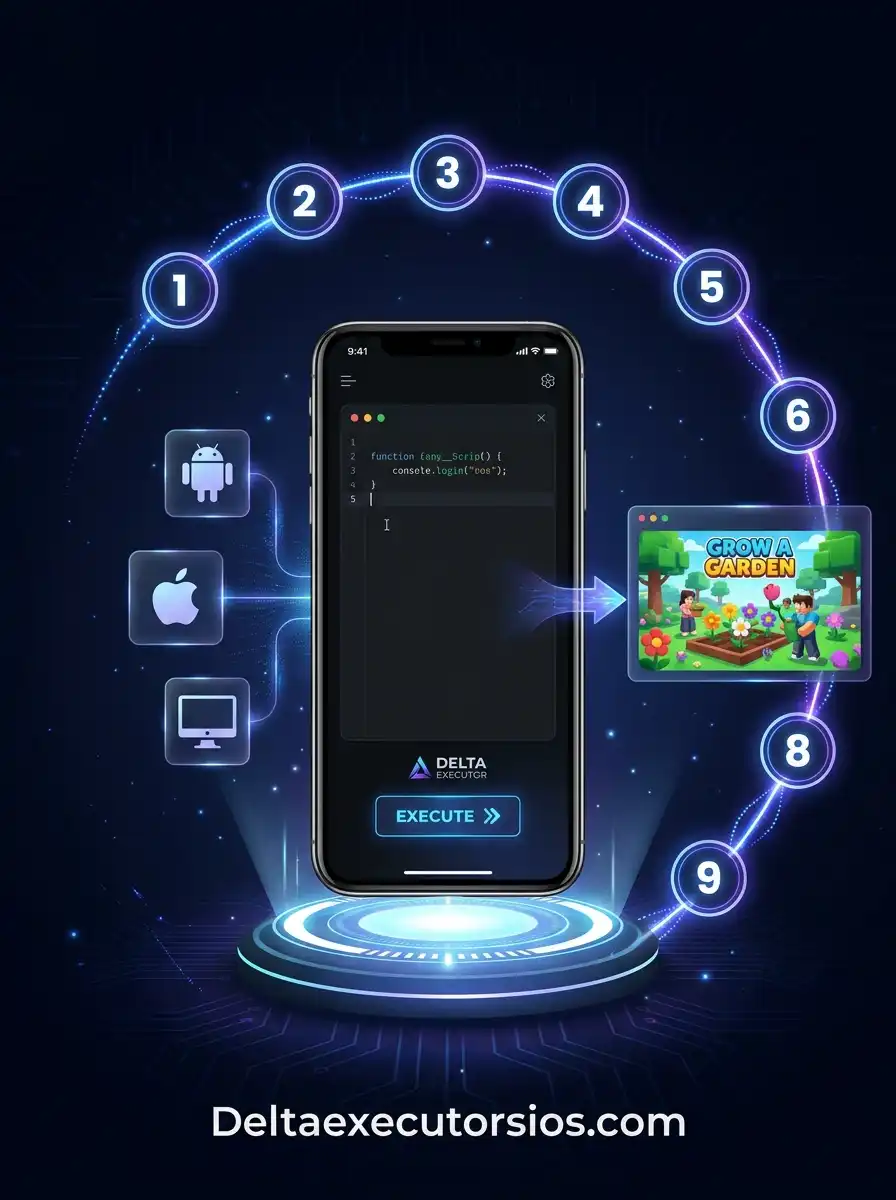
Step 1:
Download and install Delta Executor on your device. If you are on iOS, install it using the Direct Install method or through a sideloading tool like Scarlet or ESign. After installation on iOS, go to Settings > General > VPN & Device Management and trust the developer profile to allow the app to run on your device.
Step 2:
Open Delta Executor and enter your key to unlock it. If you do not have a key, visit the Delta Executor Key page to generate one.
Step 3:
Open Roblox and log in to your account.
Step 4:
Search for Grow a Garden and join the game.
Step 5:
Switch back to Delta Executor and tap or click the Inject button to connect it to your current Roblox session.
Step 6:
Once the injection is successful, open the script box inside Delta Executor.
Step 7:
Copy any working script from the list provided above and paste it into the script box.
Step 8:
Tap or click the Execute button and wait for the script to load.
Step 9:
The script GUI will appear on your screen. Enable the features you want, such as Auto Farm, Pet Spawner, Seed Spawner, or Anti-AFK, and enjoy your automated farming session.
Note: If you are on iOS and the app does not open after installation, the certificate may have been revoked.
Tips for Players
Use a Secondary Roblox Account
Never use your main Roblox account when running scripts for the first time. Create a separate account for testing purposes so that if anything goes wrong, your main account and all its progress remain safe and untouched.
Only Download from Trusted Sources
Always download Delta Executor and scripts from us or any other reliable websites only. Downloading from unknown or unofficial sources can expose your device to malware, fake executors, and harmful files that can compromise your account and personal data.
Update Your Scripts Regularly
Roblox releases frequent updates that can break existing scripts. After every major Roblox update, make sure you replace your old scripts with the latest working versions. Using an outdated script can cause injection failures, crashes, or unexpected errors during gameplay.
Enable Only the Features You Need
Avoid turning on every feature in the script GUI at the same time. Running too many automated features simultaneously can slow down your device and increase the chances of the game detecting unusual activity. Enable only the features that are relevant to what you are currently doing in the game.
Troubleshooting
Script Not Working
If your script is not working, the most common reason is that it is outdated. Roblox updates frequently and can break existing scripts. Replace your current script with the latest working version from the list provided above. Also make sure you are running the latest version of Delta Executor, as older versions may not support newer scripts.
Game Crashing
Game crashes are most common on mobile devices. To fix this, lower your Roblox graphics settings to the minimum level before running any script. Also make sure you have closed all background apps to free up memory on your device. Avoid running too many script features at the same time as this can put too much load on your device and cause the game to crash.
Script GUI Not Appearing
If the script executes without any error but the GUI does not appear on your screen, try scrolling around the game screen as the GUI may have loaded off screen. If it still does not appear, try a different script from the list above as some scripts may not be compatible with the current version of the game.
Key Not Generating
If you are having trouble generating a Delta Executor key, make sure you have a stable internet connection and are visiting the official Delta Executor Key page. Avoid using VPNs while generating the key as they can sometimes interfere with the key system. If the problem continues, try clearing your browser cache and generating the key again.
FAQ’s
Conclusion
The Delta Executor Grow a Garden script is one of the most powerful tools available for Roblox farming. It removes the frustration of repetitive manual tasks and replaces them with a fully automated experience that saves you time and effort. From auto-farming crops and spawning rare pets to collecting limited seeds and duplicating items, this script has everything you need to progress faster and enjoy the game more.
Always make sure to download from official and trusted sources only, use a secondary account for testing, and stay aware of Roblox’s Terms of Service before running any script. Download Delta Executor, pick a script from the list above, and enjoy a smarter way to play Grow a Garden.

Leave a Reply